> ## Documentation Index
> Fetch the complete documentation index at: https://docs.therootnetwork.com/llms.txt
> Use this file to discover all available pages before exploring further.
# Use MetaMask with the Portal
The [Root Network Portal](https://portal.rootnet.cloud) is a sophisticated dashboard that allows you to interact with the network at the Substrate level.
This guide will show you how to import accounts from MetaMask and send a simple [extrinsic](../glossary) to the network.
## Import MetaMask Accounts
1. Select **Accounts** on the menu, or use this shortcut [/#/accounts](https://portal.rootnet.cloud/#/accounts).
2. Select **From Ethereum Wallet**.
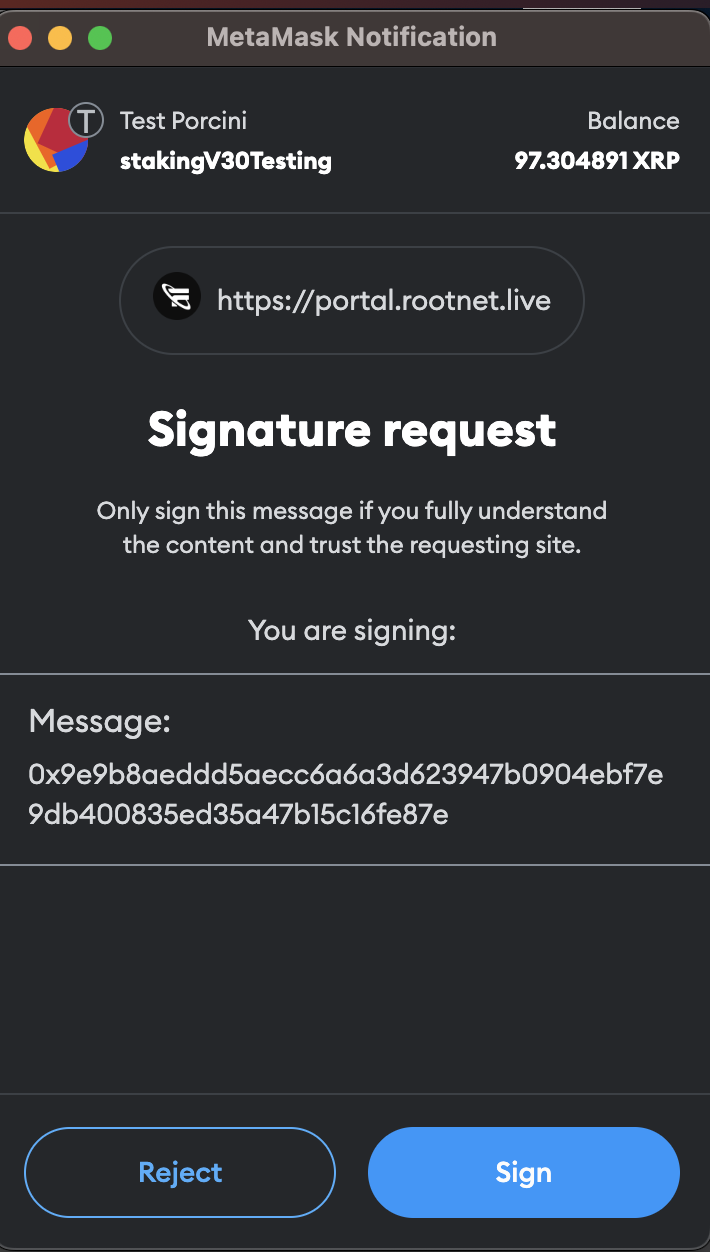
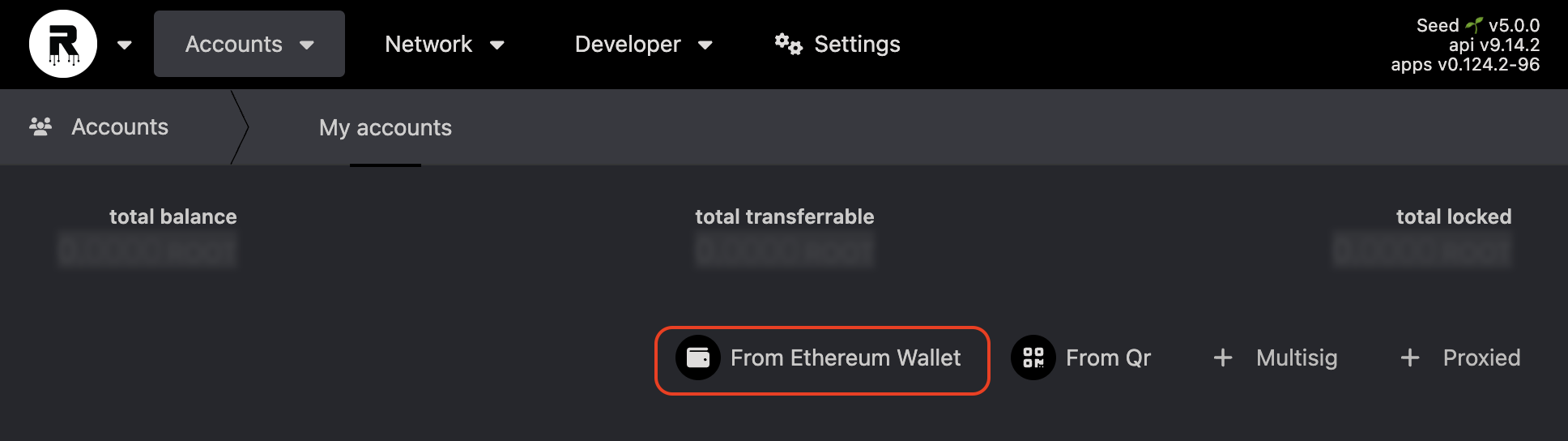 3. Go through the standard accounts connection with MetaMask. Note that you can connect multiple accounts at once.
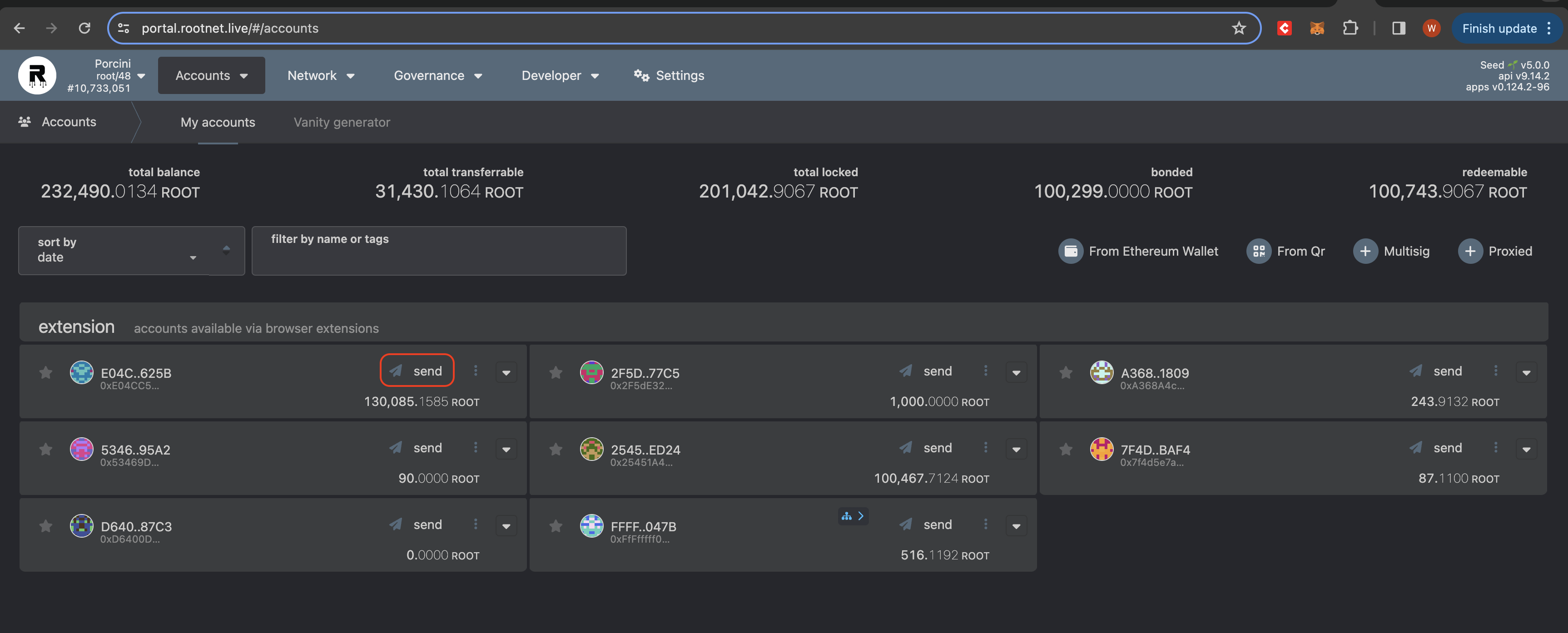
 4. Select **Send** on an account you just imported.
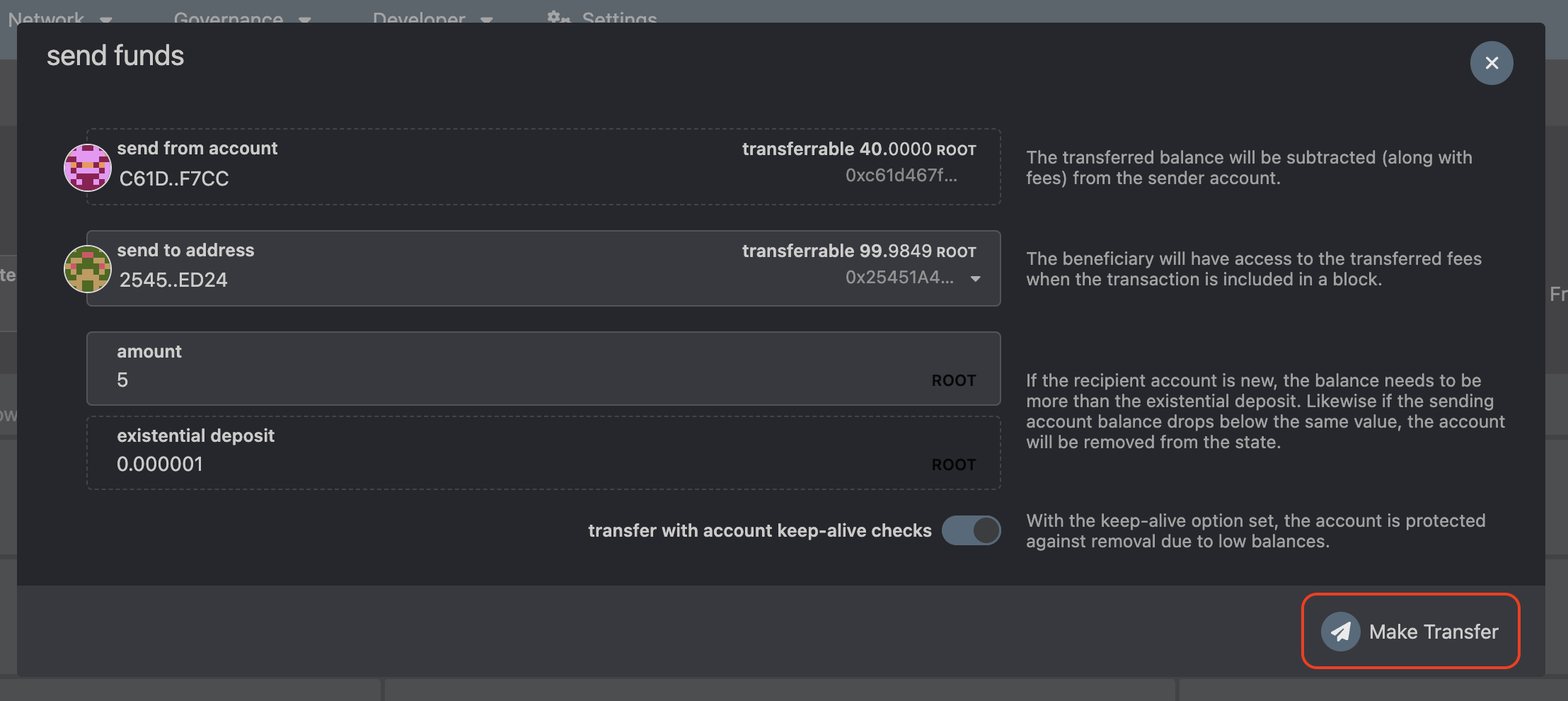
 5. Select the address to send the fund and the amount value, then click **Make Transfer**.
 6. Confirm the details and the required gas fee, then select **Sign and Submit**.
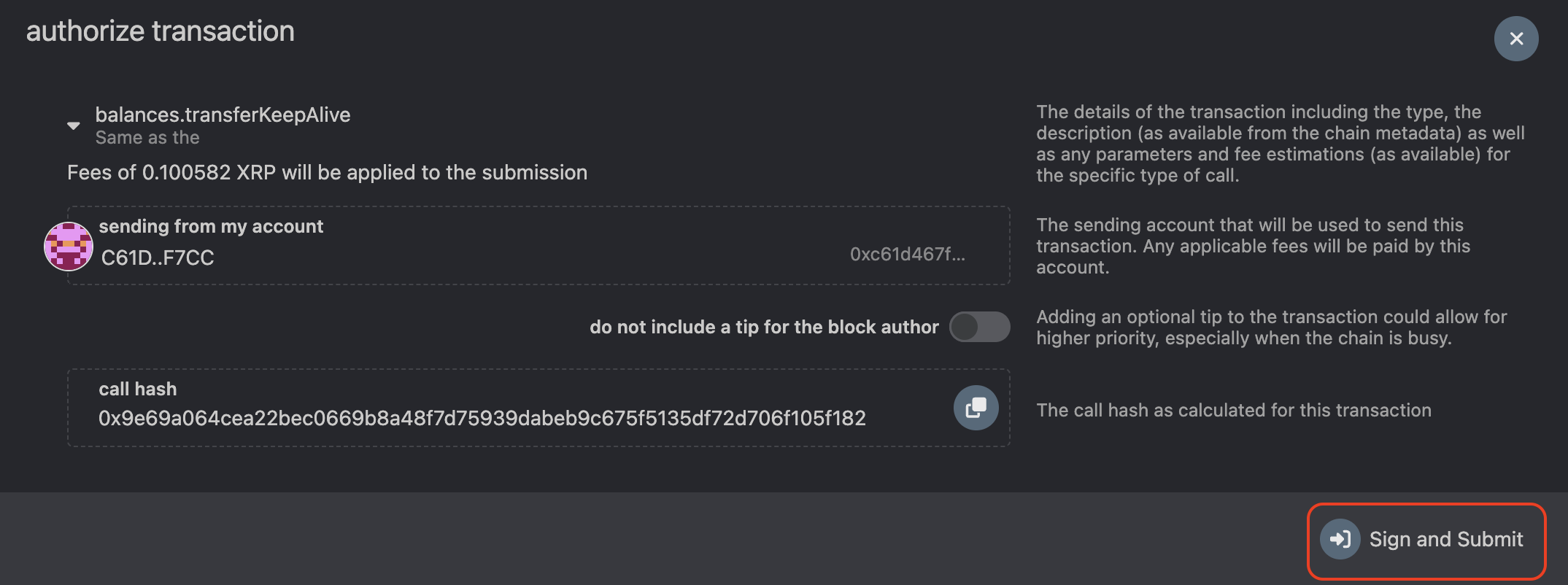 7. Allow the MetaMask signing request.
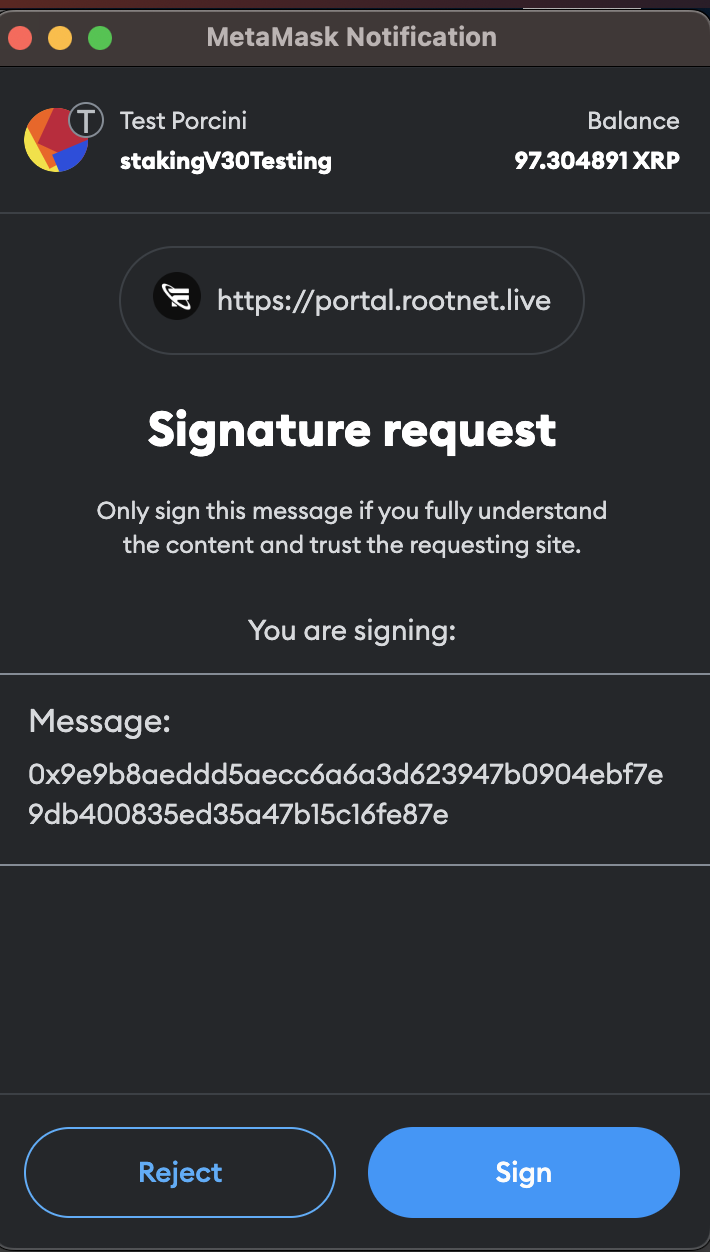 8. You should see a green tick after selecting **Sign**, which confirms the extrinsic is submitted correctly.
